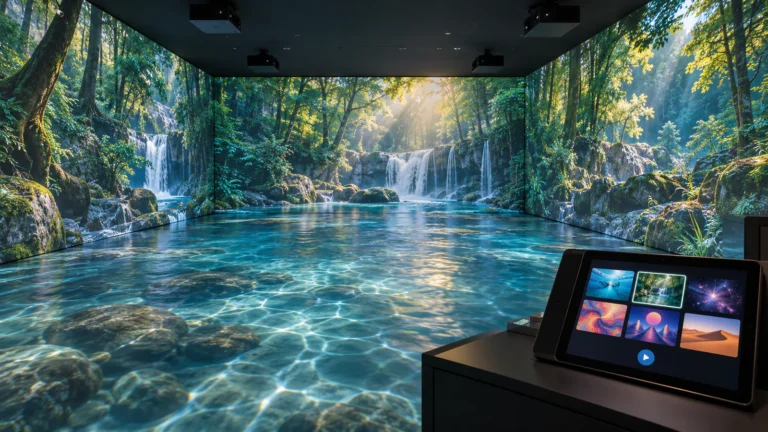
Why Are So Many Buyers Looking for a Mobii-Style Interactive Projector?
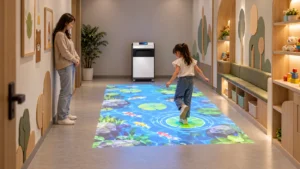
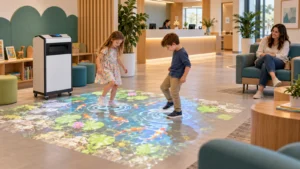
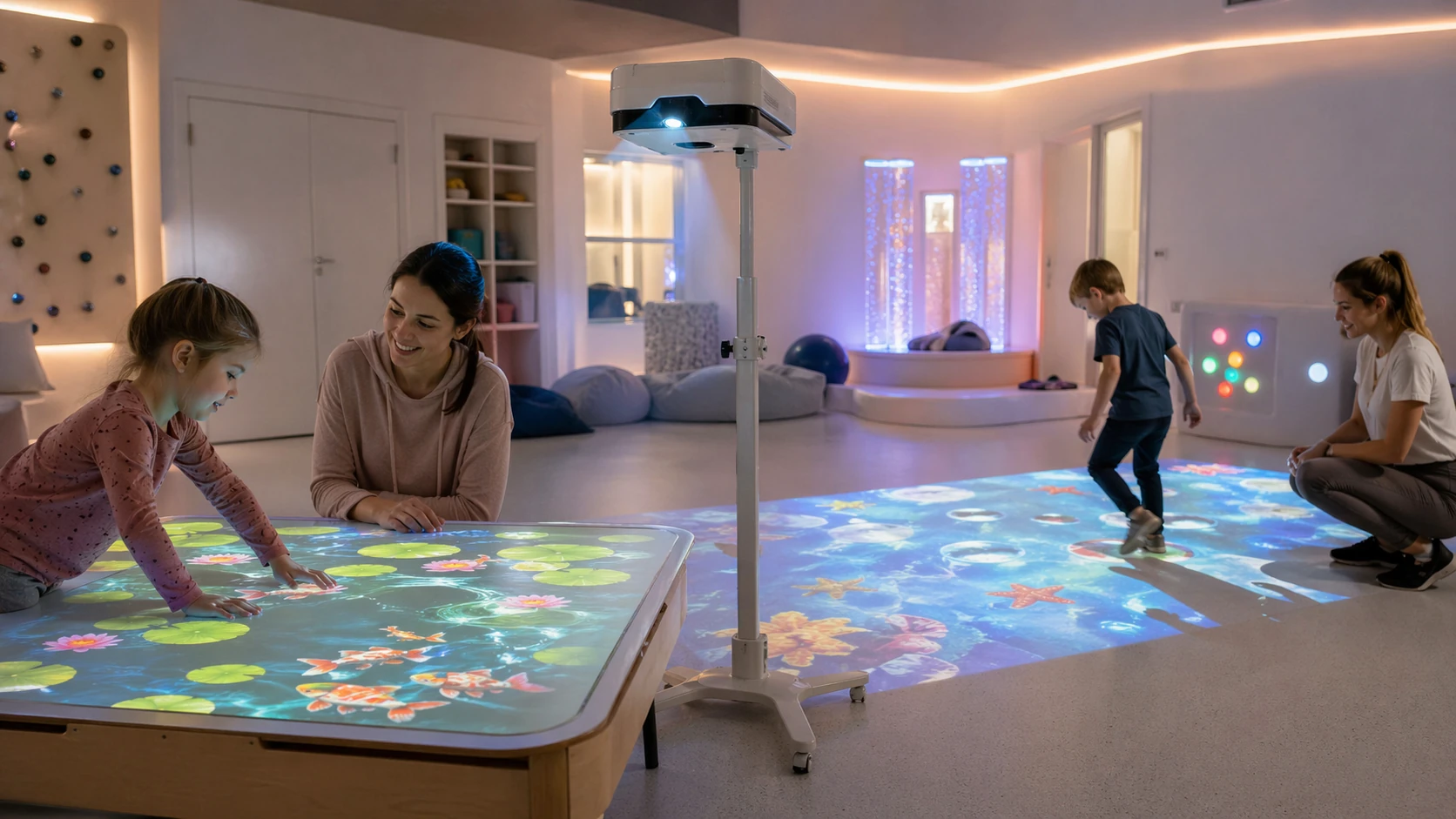
Interactive projection is no longer a niche idea. Today, schools, sensory rooms, care centers, therapy spaces, and family entertainment environments all want systems that turn ordinary tables and floors into engaging digital surfaces. That is exactly why the term Mobii-style interactive projector has started to attract attention. Buyers are not only looking for a projector. Instead, they want a flexible system that combines projection, motion interaction, software content, and easy movement between spaces. According to OM Interactive’s Mobii overview, the product is positioned as a mobile, height-adjustable interactive table and floor system designed for versatile use on different flat surfaces.
At the same time, many buyers are not necessarily trying to purchase the exact original branded product. In many cases, they are actually searching for a Mobii-style projector alternative that offers similar portability, floor-and-table compatibility, and interactive performance. Therefore, if your goal is to choose the right system, you should focus less on the brand name alone and more on the core buying criteria: mobility, height adjustment, brightness, throw ratio, interactivity, and software content. This approach gives you a more practical path toward selecting the right interactive projector for table and floor use.
Why Table Use and Floor Use Require Different Buying Logic
Many buyers assume that if a projector works on the floor, it will automatically work just as well on a table. However, that assumption often leads to poor results. Floor projection usually needs a larger image area, stronger visibility in open space, and better shadow control. Table projection, on the other hand, demands more precise image framing, better height control, and more stable alignment. Therefore, the same hardware may perform differently depending on where and how you use it.
Moreover, projection geometry matters more than most buyers expect. ProjectorCentral explains that throw distance is the distance from the lens to the projection surface, and that image size changes proportionally based on the optics of the lens. It also defines throw ratio as distance divided by image width, which makes it one of the most important variables in system planning. For a table-and-floor solution, this means you must think ahead: how large should the image be, how far will the projector sit from the surface, and how easily can that distance be adjusted? If you ignore those questions, you may end up with a system that looks impressive in theory but fails in daily use.
What changes between table and floor projection?
- Table use needs tighter image control
- Floor use needs stronger immersion and visibility
- Table use benefits more from precise height adjustment
- Floor use depends more on throw planning and walking space
- Both uses require reliable interactive sensing and software compatibility
The Most Important Features to Check Before You Buy
Brightness should be one of your first filters. BenQ’s projector brightness guidance notes that larger images require more light and that rooms with ambient light often need 3,000 lumens or more to avoid a dull image. That does not mean every interactive setup needs maximum brightness. Instead, it means your brightness choice must match your room conditions, image size, and intended use. For example, a calm sensory room with controlled light may work well with a moderate brightness level, while a brighter multi-use room may need a stronger projector to keep the projected image vivid and readable.
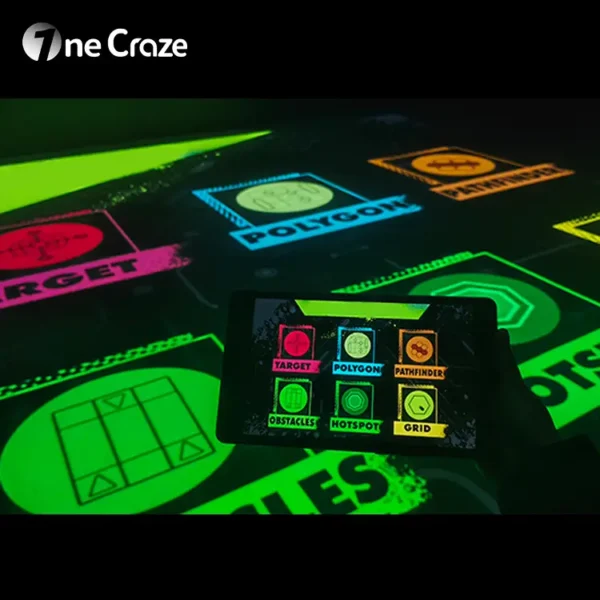
Throw ratio should be your second filter. ProjectorCentral explains that a short-throw projector is generally one with a throw ratio of 0.4 or less, and that throw ratio determines how large the image can be at a given distance. In practical terms, a better throw setup can reduce shadows, improve space efficiency, and make installation easier for both floor and table projection. Alongside brightness and throw, you also need to review mobility, height adjustment, software library, and the quality of the interaction sensors. A projector without strong content support or accurate interaction tracking will struggle to deliver value over time, no matter how good the optics look on paper.
What Should You Prioritize?
Before buying, it helps to compare features by use case instead of reading isolated specifications. The table below gives a simple decision framework for a Mobii-style interactive projector for table and floor use.
| Buying Factor | Best for Table Use | Best for Floor Use | Why It Matters |
|---|---|---|---|
| Height Adjustment | Very important | Important | Tables vary in size and user position |
| Brightness | Moderate to high | High | Floor projection often competes with ambient light |
| Throw Ratio | Important | Very important | Floor images often need larger projection zones |
| Portability | Important | Important | Multi-room use increases ROI |
| Sensor Accuracy | Very important | Very important | Interactivity depends on fast, reliable response |
| Software Content | Very important | Very important | Content keeps the system useful over time |
| Ease of Setup | Very important | Important | Staff need repeatable daily operation |
| Surface Flexibility | Very important | Very important | One system should support more than one scenario |
Which Spaces Benefit Most from a Mobii-Style Interactive Projector?
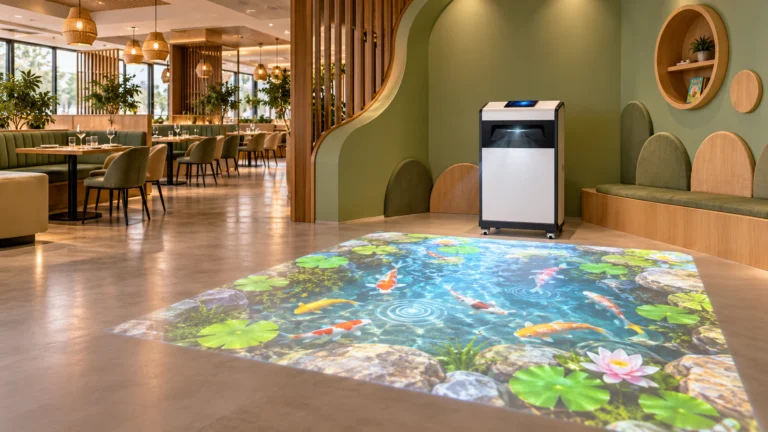
One reason this product category is growing is that it works across several industries. OM Interactive positions Mobii for inclusive activities, care settings, and learning environments, while related market pages also highlight uses in schools, childcare, therapy, and senior engagement. That makes the interactive floor and table projector category especially attractive for organizations that want both educational value and emotional engagement in one system.
However, different settings require different priorities. A school may need curriculum-friendly content and high activity variety. A sensory room may value calming visuals, intuitive operation, and easy space switching. A care environment may prefer low-complexity controls, smooth mobility, and activities that encourage participation without causing stress. Therefore, you should never choose purely by brand familiarity. Instead, choose by use case.
Typical application scenarios
- Schools and SEN classrooms
- learning through movement
- group participation
- interactive storytelling and visual play
- Sensory rooms
- calming visual environments
- low-pressure interaction
- immersive engagement for different ability levels
- Therapy and rehabilitation spaces
- movement-based engagement
- motivational activity design
- repeatable session formats
- Family entertainment and children’s activity rooms
- high visual appeal
- interactive games
- flexible use across multiple zones
A Mobii-style interactive projector is a mobile projection system designed for both table and floor use. Unlike a standard projector, it usually includes motion sensing, interactive software, and adjustable positioning so users can engage directly with the projected content.
Yes, but only if the system is designed for multi-surface use. A good Mobii-style interactive projector should offer flexible height adjustment, suitable throw ratio, stable image alignment, and responsive sensing for both table activities and floor interaction.
You should check brightness, throw ratio, portability, height adjustment, sensor accuracy, and software content. In addition, you should make sure the system matches your room size, lighting conditions, and the age group or user type in your project.